
Group hashed JavaScript source files in Crash Analytics
In Crash Analytics, you can enable the setting Group Source Files with Hashes to group crash reports for JavaScript files that use hashed filenames. A source file is considered hashed when its filename contains at least 20 consecutive letters or numbers.
Many modern build systems generate filenames containing long hashes, for example:
900150983cd24fb0d6963f7d28e17f72.js
These hashed filenames typically change with every deployment, even when the underlying source file has minor changes. Without grouping, the same crash may appear multiple times in reports because the filename changes after each release.
Enable the grouping of source files with hashes
- In Matomo, go to Administration
 > System > General settings > Crash Analytics.
 - Select the option, Group Source Files with Hashes. When enabled, Matomo groups these files under
[grouped-hash]to reduce duplicate crash entries.
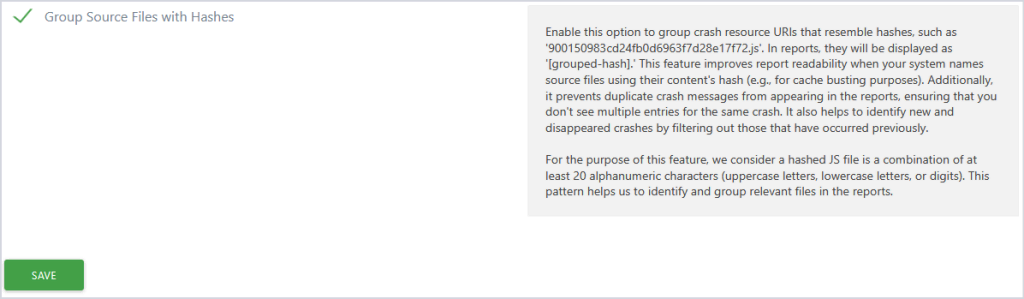
- Click Save.

By grouping source files with hashed filenames, it becomes easier to identify recurring crashes and monitor whether issues continue occurring after deployments.
You can also define Versioning URL Parameters in Crash Analytics settings that tell Matomo which URL parameters to ignore when identifying crashes.
Read more about Crash Analytics in Matomo Cloud or On-Premise FAQs.